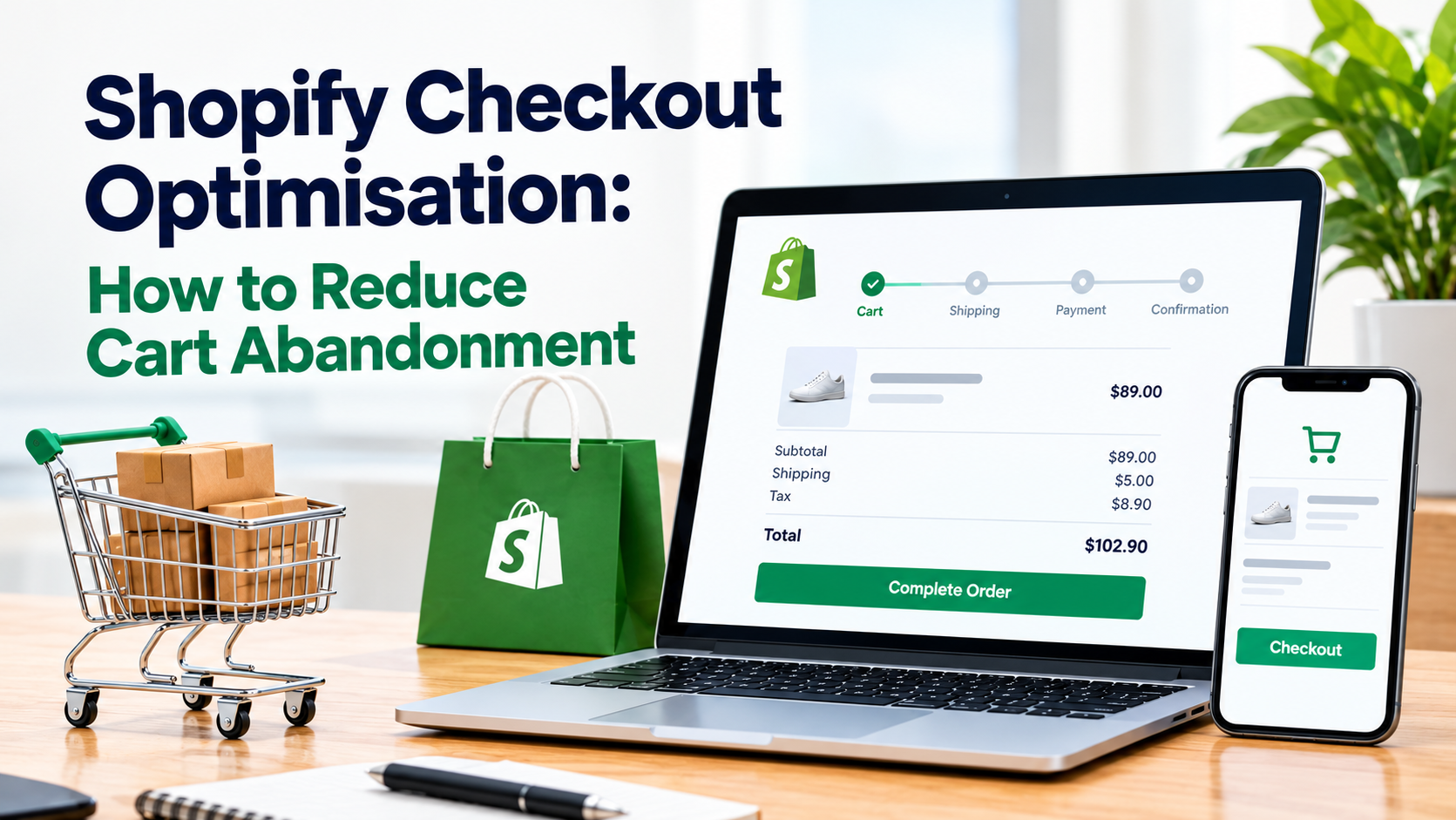
Cart abandonment is rarely solved by adding another discount. On Shopify, buyers leave for many reasons. Some browse, compare products, or wait to buy later. Others are ready to pay but meet a clear barrier, such as unexpected delivery costs, a missing payment option, or a confusing form. The best way to reduce cart abandonment is to separate those two groups. Then fix the checkout problems that block ready buyers, and use recovery messages that match each buyer’s intent, budget, device, and funnel stage. This article explains how to audit, improve, test, and measure your Shopify checkout in 2026 while protecting your margins and customer trust.
Why is cart abandonment a funnel problem?
Baymard Institute’s latest published list reports an average documented cart abandonment rate of 70.22%, based on 50 studies. Treat that number as a benchmark, not as your Shopify target. Your abandonment rate depends on factors such as pricing, shipping options, product category, traffic source, and customer location.
The average also combines different types of intent. A shopper may add an item while comparing options, checking a size, planning a gift, or waiting for payday. Another may enter their shipping details, reach payment, and leave because their card is declined. Both sessions look like abandoned carts, but they need different responses.
Browsing carts need time and confidence. Keep the cart saved, make product details easy to find, and remind shoppers which items they selected. Avoid offering discounts too early, as customers may start waiting for promotions before buying. You could also lose profit by discounting orders from shoppers who would have paid full price.
Blocked carts need the obstacle removed. Common barriers include unexpected shipping costs, unclear delivery dates, forced account creation, missing payment methods, and confusing error messages. A coupon does not solve these issues. It only makes a difficult experience slightly cheaper.
If a shopper leaves before reaching shipping or payment, they may still be comparing products or considering their options. If a returning customer leaves at the payment stage, look for checkout errors or payment issues before offering a discount.
Start with a Shopify checkout audit
Avoid changing your Shopify theme based on the overall cart abandonment rate alone. Break the funnel into cart, shipping, payment, and confirmation. Then compare performance by device, country, acquisition source, customer type, payment method, and error.
This helps you separate a marketing problem from a checkout problem.
For example, high drop-off from paid social traffic may indicate less-qualified visitors or a mobile experience that needs work. A high payment failure rate in one country may point to missing local payment methods. A sudden drop in purchases from returning customers could signal a technical issue or an account-access problem.
Reports can show where shoppers leave, but watching real checkout sessions can help explain why. Test purchases on both iPhone and Android devices. Try the checkout as a new customer and as a returning customer. Pay attention to anything that makes you pause, go back, re-enter information, or question the purchase.
Ask these questions during your audit:
Can shoppers see the order total early enough?
Are shipping costs clear before payment?
Can shoppers easily find the expected delivery date?
Is guest checkout available?
Does the cart remain available after a refresh or return visit?
Are error messages clear about what needs to be corrected?
Are all required fields necessary?
Baymard reports that the average US checkout displays 23.48 form elements by default, while its testing suggests a much shorter flow can work. However, the goal is not to reach a specific number. Remove unnecessary decisions and information requests that do not help process or deliver the order.
Fix the blockers that stop ready buyers
Once your audit shows where shoppers leave, focus on the issues that prevent them from completing a purchase. Start with clear pricing, guest checkout, simple forms, and suitable payment options before testing discounts.
Show the full cost earlier
Unexpected costs remain one of the strongest reasons people abandon. Display delivery charges, tax information, and the current order total in the cart whenever possible. If the exact tax depends on the customer's address, explain this clearly rather than letting the final amount surprise them at checkout.
Delivery information should also be specific. "Arrives Thursday" is more helpful than "5–7 business days" when you can provide an exact date. Keep your shipping settings accurate so the cart costs match checkout costs. If you offer free delivery above a certain order value, show shoppers how much they need to add to qualify.
Make guest checkout the easy path
Do not make customers create an account before paying unless your business has a real operational reason. Shopify’s checkout settings let merchants manage customer accounts and checkout requirements.
Review these options under Settings > Checkout to check whether account creation adds an unnecessary step. If accounts support your retention strategy, invite customers to create one on the thank-you page. Payment is complete, and the account can be linked to the order without becoming a barrier.
Remove unnecessary form fields
Every extra field adds another step to checkout. If your business doesn’t need a company name, address line two, or phone number for a particular purpose, make the field optional or remove it where Shopify allows.
Also improve how errors are handled. Clear error messages also make checkout easier. Replace vague alerts such as “Invalid input” with specific instructions, such as "Enter a five-digit ZIP code." Use inline validation where appropriate, keep information customers have already entered, and make errors easy to correct on mobile devices.
Offer the payment methods customers expect
Review payment performance by country, device, and order value. Add accelerated options such as Shop Pay, Apple Pay, or Google Pay when the data shows a real customer need. Shopify’s checkout documentation confirms that customers enter shipping and payment details through checkout, while accelerated options can reduce repeated form entry.
Do not install every gateway “just in case”. More options add failure points and clutter the mobile interface. Use reports to find missing methods and recurring payment errors.
Match recovery messages to shopper intent
Recovery should be several workflows, not one discount email sent to everyone.
For a shopper who added an item but never opened checkout, send a calm reminder. Show the product, keep the saved cart available, and repeat useful information such as delivery timing or returns. Do not lead with a coupon.
For a shopper who reached shipping and left after seeing the cost, restate the total and delivery date. If price is the blocker, explain the value or free-delivery threshold before testing an offer.
For a shopper who reached payment and received an error, explain how to try again or provide another method. A short email or chat prompt may solve the problem faster than a generic reminder.
Email is usually the safest default because it is inexpensive and gives the shopper time. Use SMS only for people who have clearly opted in, especially with a genuine deadline, high cart value, or strong returning-customer signal. Use chat when the likely blocker is a question about sizing, duties, delivery, or payment.
Track recovered revenue after discounts, not before them. A £50 order with a £15 incentive did not recover £50. Keep a no-incentive holdout so you can see whether the message drove the order or you simply got credit for a natural return.
Measure checkout completion without a false win
Set a 30-day baseline before changing checkout or recovery. Track checkout completion rate by stage, device, country, source, and payment method. Add these guardrails:
Payment failure rate
Average order value after discounts
Refund rate
Customer support contacts
Delivery-related complaints
A higher completion rate is not automatically a success. If payment failures, refunds, or support tickets rise, the change may have hidden a problem. Stage reporting matters too. If shipping abandonment falls but payment abandonment rises, you may have clarified delivery cost while leaving the card step broken.
Baymard’s latest research reports that 9% of surveyed US shoppers abandoned because there weren’t enough payment methods, while 10% reported a declined card. Therefore, check payment coverage by customer segment, not just by a storewide average.
Test one checkout change at a time
Run tests in the order shown by your audit. Useful Shopify experiments include:
Guest checkout as the primary path versus a layout that promotes account creation.
Show delivery cost and arrival date in the cart versus revealing them later.
Optional phone, company, or address fields removed.
Clear inline errors added without changing the offer.
Do not combine a shorter form with a new discount. You will not know which change improved completion. Define the primary metric and guardrails before launch, then segment results by device and country.
Keep a change when completion rises and guardrails remain stable. Revert it when completion is flat but payment failures or support contacts rise. If the result differs by country or device, roll it out only where it works and test the losing segment separately.
A practical 30 day plan
Week one: export stage-level performance and watch real sessions. Deliver a ranked blocker list.
Week two: fix the highest-impact issue, such as early totals, guest checkout, or an unnecessary required field. Complete a mobile test order.
Week three: launch segmented recovery messages with a no-incentive holdout. Decide which carts will never receive a discount.
Week four: compare completion and guardrails with the baseline. Keep, revert, or escalate the first change, then queue the next one-variable test.
Conclusion
Reducing cart abandonment on Shopify is less about sending more coupons and more about understanding intent. Browsing shoppers need information, a persistent cart, and time. Ready shoppers need clear costs, reliable payment options, sensible fields, and fixable errors. Audit the funnel by stage, repair the largest blocker, and measure completion alongside margin, refunds, failures, and support. When recovery messages follow evidence instead of habit, your store can win more orders without paying customers to tolerate a broken checkout.